Need help? Call us:

+1 613-247-0850

No products in the cart.

Professional DTF Printing Software

CADlink Digital Factory 11

Lifetime License for Windows

CADlink Digital Factory 11 is professional RIP software designed to help printing businesses manage their DTF production workflow. From color management and white ink processing to print preparation, Digital Factory 11 provides the tools you need for more efficient and consistent printing.

Whether you run a custom apparel business, a DTF print shop, or a growing garment decoration operation, Digital Factory 11 helps streamline your workflow and prepare high-quality prints.

DTF printing workflow
Lifetime license
Windows software
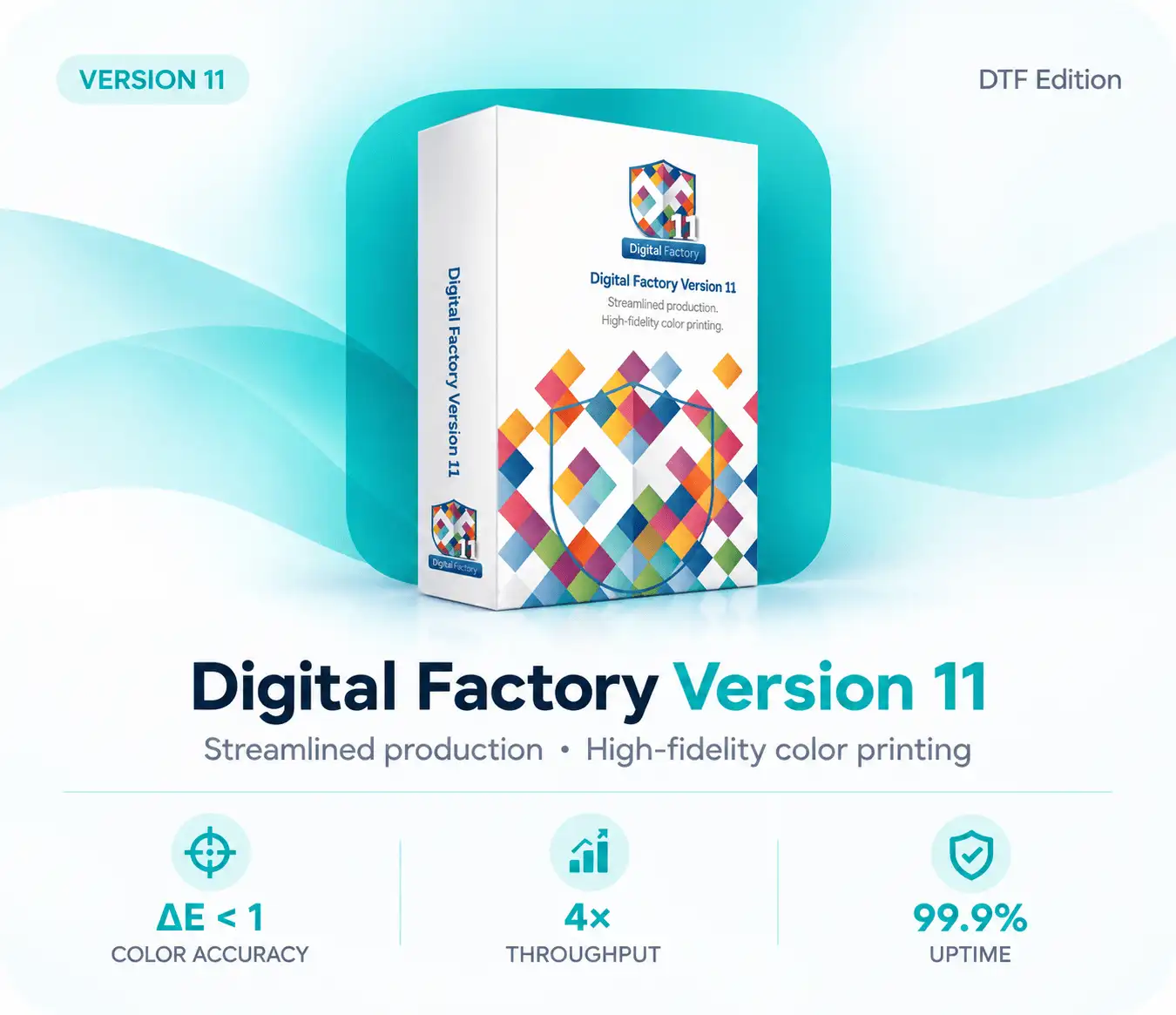
CADlink Digital Factory 11 DTF Edition software lifetime license
Instant Delivery

1-30 min delivery

No Extra Charges

One-time payment

Safe Payments

Secure checkout

24/7 Support

Always here to help

WHY CADLINK?

Why Choose CADlink Digital Factory 11?

CADlink Digital Factory 11 provides professional printing software designed to help businesses manage their digital printing workflows with greater control and efficiency. With powerful RIP technology and advanced print management tools, it offers a practical solution for preparing and processing print jobs.

Whether you operate a DTF printing business, customize apparel, or manage a growing print production workflow, CADlink Digital Factory 11 gives you the tools to prepare your designs and manage your printing process with confidence.

Advanced Color Management

Manage color settings and print output with tools designed to support consistent, high-quality results across your printing workflow.

Efficient Print Production

Organize and prepare print jobs efficiently with workflow tools that help simplify everyday production tasks.

Professional RIP Technology

Process print files with professional RIP features that support precise output preparation and flexible print management.

DTF Printing Workflow

Prepare artwork for direct-to-film printing with workflow features designed for DTF production environments.

Flexible Print Settings

Adjust available print and processing options to suit your production requirements and supported printer configuration.

Digital Factory 11 License

Get access to CADlink Digital Factory 11 through a lifetime license for Windows, according to the license terms and activation conditions of your offer.

DTF EDITION

CADlink Digital Factory 11

DTF Printing Software

Prepare and manage your DTF printing workflow with CADlink Digital Factory 11. Designed for professional print production, this software provides powerful RIP features, color management tools, and print preparation options for Windows users.

Digital License

Windows Software

Ready to improve your DTF printing workflow?
 
0 Days
0 Hours
0 Minutes
0 Seconds
CADlink Digital Factory 11 DTF Edition software product box for professional printing
COMPATIBILITY

Printers Compatible with CADlink Digital Factory 11

Find out which printer models and configurations can work with CADlink. The right printer setup is essential for preparing and managing professional DTF printing jobs with reliable results.

Explore supported printer options and review the appropriate driver requirements before choosing your setup. Compatibility may vary depending on the printer model, edition, driver, and software configuration.

Epson SureColor S8550 (Epson 8550)
Epson SureColor F2100 Series NEW
Roland DG Series
Mimaki UJF Series HOT
Ricoh Ri 1000 / Ri 2000
Brother GTX / GTX Pro
DTG M2 / M6 Industrial Series
Other printers supported by the applicable CADlink driver
CADlink Digital Factory 11 software with compatible DTF, DTG, UV printing, and color management printers
CUSTOMER FEEDBACK

What Customers Say About CADlink

Discover what users have to say about their experience with CADlink Digital Factory 11. Explore feedback about the software, DTF printing workflows, and the support provided throughout the purchasing and activation process.

A Practical Solution for DTF Printing

“CADlink Digital Factory 11 has helped us organize our DTF printing workflow and manage our print preparation more efficiently.”

Theo Tanner

A Smooth Software Experience

“The software provides useful tools for managing our printing tasks. The installation and activation support made getting started easier.”

Kelsie Brady

Useful Tools for Print Production

“We use Digital Factory 11 as part of our print production workflow. Its available print management and color processing tools are useful for our daily work.”

Darcey Walsh

SYSTEM REQUIREMENTS

CADlink Digital Factory 11 System Requirements

Before installing CADlink Digital Factory 11, make sure your Windows computer meets the necessary system requirements. A suitable processor, sufficient memory, available storage, and compatible graphics hardware can help provide a smooth software experience and efficient DTF print preparation.

Review the recommended hardware and software specifications below to prepare your computer for Digital Factory 11.

Operating System

Windows 10 or Windows 11
64-bit operating system

cpu

Processor

Compatible multi-core processor
Recommended: modern CPU suitable for print production

Memory (RAM)

Sufficient RAM for software
Recommended: 16 GB or more, depending on workload

Display Resolution

Compatible display and graphics
Recommended: Full HD 1920 × 1080

Graphics Hardware

Compatible graphics hardware
Ensure the graphics card meets the software's requirements.

Available Disk Space

Sufficient free storage for installation
SSD storage recommended.

💡 Pro Tip: Use an SSD

Installing CADlink Digital Factory 11 on an SSD can help improve file access and overall system responsiveness. Make sure you have enough free storage for the software, artwork, and print production files.

GET STARTED TODAY

CADlink Digital Factory 11

DTF Printing Software for Windows

Digital delivery after your purchase.
One-time payment for a lifetime license, according to the license terms.
Download access to the purchased software.
Installation guidance to help you get started.
No recurring subscription fees for the lifetime license.
Customer assistance for installation and activation questions.

Digital Delivery

Lifetime License

Installation Support

Need Help Getting Started?

Our support team is available to assist with software installation, license activation, and general questions about CADlink Digital Factory 11. Contact us if you need help getting started with your software.

support@cadlinke.com

+1 613-247-0850

FAQ

Frequently Asked Questions About CADlink Digital Factory 11

Find answers to common questions about CADlink Digital Factory 11, including software licensing, installation, activation, printer compatibility, system requirements, and customer support. Whether you are preparing your first DTF printing setup or looking to improve your existing workflow, this guide will help you understand the software and the purchasing process.

CADlink Digital Factory 11 is professional RIP and print production software designed for compatible printing workflows, including Direct-to-Film (DTF). It provides tools for print preparation, color management, and workflow control, depending on the edition and supported configuration.
The purchase includes the license and the software delivery details specified on the product page. Review the license type, edition, supported operating system, and activation conditions before completing your order.
After your payment has been processed, you will receive the delivery information according to the terms stated on our website. This may include download instructions, license details, or activation information. Please check your email and contact support if you need assistance.
Printer compatibility depends on the Digital Factory edition, printer model, and applicable driver configuration. Before purchasing, verify that your printer is supported by the specific version and edition you intend to use. Contact our support team if you need help checking compatibility.
CADlink Digital Factory 11 requires a compatible Windows computer. Your system should have a supported 64-bit operating system, sufficient RAM, an appropriate processor, compatible graphics hardware, and enough free storage for the software and your print files. Check the system requirements section for more information.
Installation on another computer depends on the license terms and activation limitations of your particular license. Contact support before moving or reinstalling the software so that the correct activation procedure can be followed.
We can provide assistance with the installation and activation process according to the support service included with your purchase. If you encounter an issue, contact our team with your order details and a description of the problem.
If you have an installation, activation, or software-related issue, contact our customer support team. Please include your order information, Windows version, and a description or screenshot of the issue so we can better understand your situation.

Explore CADlink Digital Factory software for professional DTF printing workflows. Find software licensing information, installation guidance, and customer support to help you get started with your printing setup.

Contact

support@cadlinke.com

+1 613-247-0850

© 2026 CADlinke.com. All rights reserved.